Getting Started
Everything you need to understand and start using the Raspberry Pi Sense HAT with Pi4J — hardware, software, docs, Astro Pi and community resources.

What is the Sense HAT?
The Raspberry Pi Sense HAT is an add-on board originally designed for the Astro Pi mission — Raspberry Pi computers running on board the International Space Station. It includes:
- An 8×8 RGB LED matrix
- A 5-button mini joystick
- Sensors for temperature, humidity, pressure
- An inertial measurement unit (IMU): accelerometer, gyroscope, magnetometer
There are two versions of the board: the original Sense HAT and the newer Sense HAT v2, which uses different sensor chips.
- Sense HAT product page
- Sense HAT official documentation
- What is a Raspberry Pi HAT? (dev.to)
- Introduction to the Raspberry Pi Sense HAT (dev.to)
What is Pi4J?
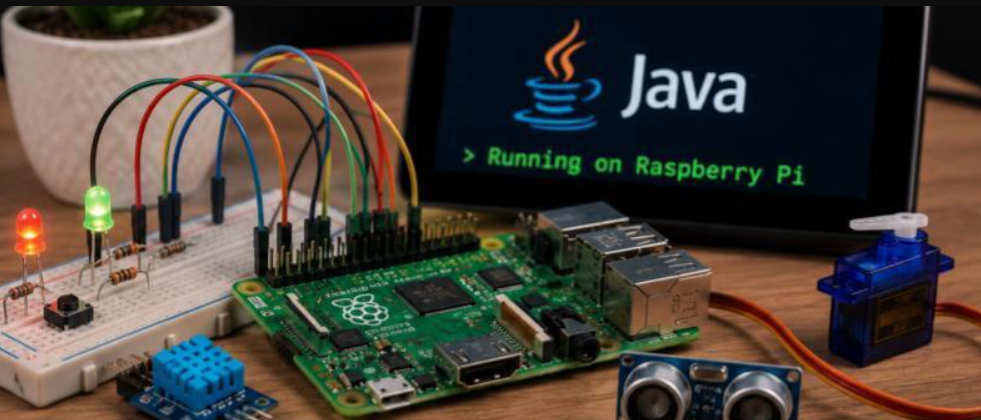
Pi4J is a friendly Java library for accessing GPIO, I²C, SPI, PWM and other low-level interfaces on the Raspberry Pi. It lets you talk to hardware like the Sense HAT from a normal Java application.
- Pi4J — Getting Started
- Pi4J Documentation
- Pi4J on GitHub
- pi4j-drivers — device drivers including Sense HAT
Hardware setup
- Plug the Sense HAT onto the 40-pin GPIO header of your Raspberry Pi.
- Boot Raspberry Pi OS (a recent 64-bit release is recommended).
- Enable I²C in
raspi-config→ Interface Options. - Verify the board is detected:
i2cdetect -y 1.
Software prerequisites
- Java 21+ (Java 25 is used by several examples here).
- JBang — the easiest way to run the single-file Java examples in this repo.
- Maven — if you want to build the full project or install
pi4j-driverslocally.
Your first Sense HAT program with Pi4J
The simplest way to try Pi4J with the Sense HAT is via the SenseHat driver
shipped with pi4j-drivers. A minimal JBang script looks like:
///usr/bin/env jbang "$0" "$@" ; exit $?
//JAVA 21
//DEPS com.pi4j:pi4j-core:5.0.0-SNAPSHOT
//DEPS com.pi4j:pi4j-plugin-ffm:5.0.0-SNAPSHOT
//DEPS com.pi4j:pi4j-drivers-igfasouza:1.1.1-SNAPSHOT
import com.pi4j.Pi4J;
import com.pi4j.drivers.hat.raspberry.SenseHat;
public class Hello {
public static void main(String[] args) {
var pi4j = Pi4J.newAutoContext();
var hat = new SenseHat(pi4j);
hat.getLedMatrix().setPixel(0, 0, 0xFF0000);
}
}
Run it on the Pi with jbang Hello.java. Browse the
projects for more complete examples.
Astro Pi
Astro Pi is a joint programme between the Raspberry Pi Foundation and the European Space Agency (ESA) that lets young people run their code on Raspberry Pi computers aboard the International Space Station. The Sense HAT is the primary hardware they interact with.
- Mission Zero — write a short program that runs on the ISS.
- Mission Space Lab — run a scientific experiment in space.
- Sense HAT projects on the Raspberry Pi Foundation site.
Community & further reading
- Pi4J community forum
- Raspberry Pi forums
- This project on GitHub — contributions welcome!