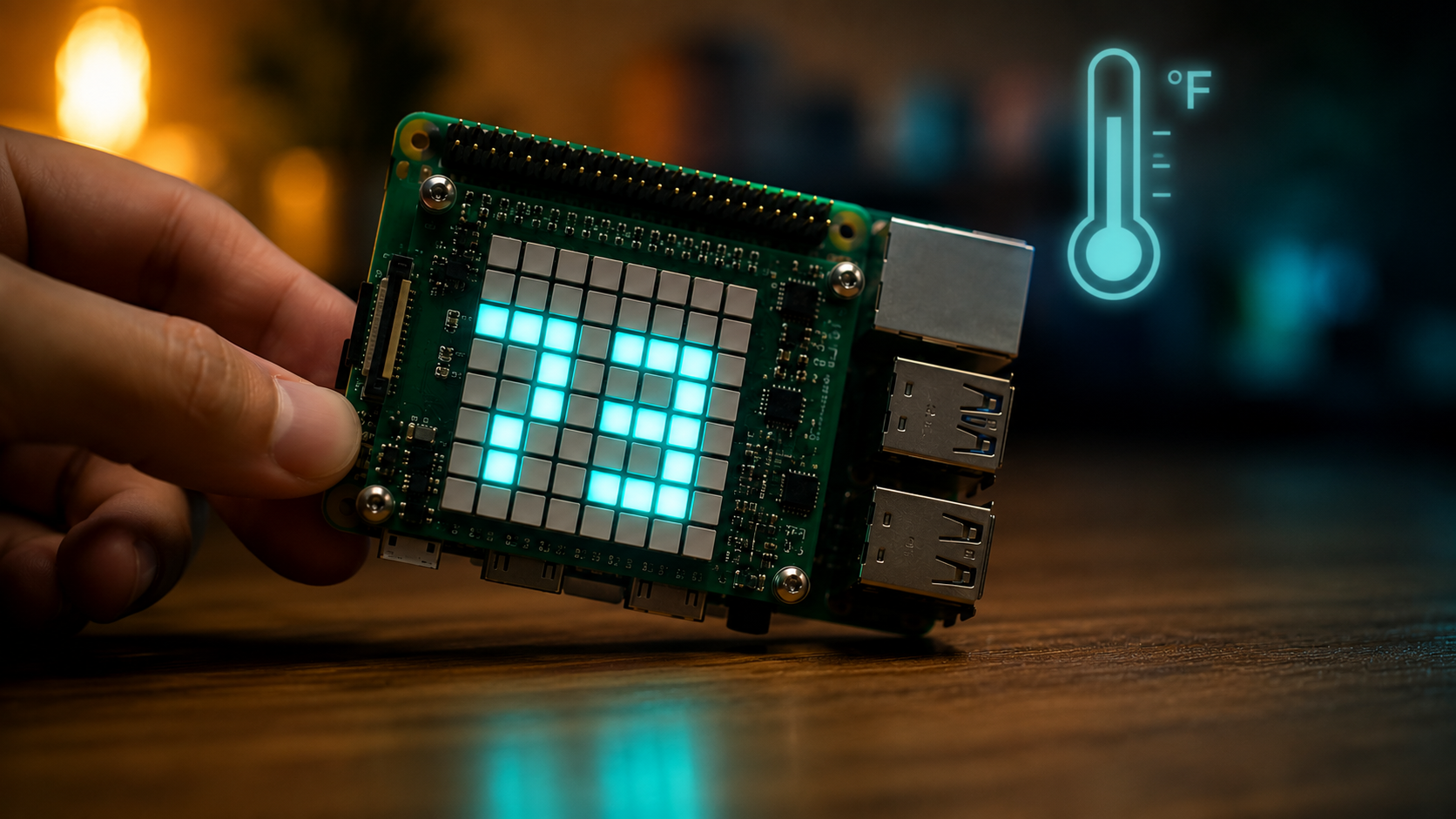
Approximating ambient temperature on the Sense HAT
Combine the humidity and pressure sensor temperature readings and apply a calibration offset to get a better ambient temperature estimate on the Sense HAT.
ApproxTemp shows a well-known trick for the Sense HAT: the two on-board sensors that report temperature (HTS221 and LPS25H) both sit next to the Raspberry Pi's SoC, so they read hotter than the room. This script averages them and subtracts a calibration offset to get a value that is much closer to reality.
Source code: projects/ApproxTemp/ApproxTemp.java
How it works
The getCorrectedTempF method:
- Reads the temperature from the humidity sensor with
hat.getTemperatureFromHumidity(). - Reads the temperature from the pressure sensor with
hat.getTemperatureFromPressure(). - Averages the two values and subtracts a
CALIBRATION_OFFSET_C(defaults to21.5). - Converts the result to Fahrenheit and rounds to one decimal.
The main loop then scrolls a message like 73.4F across the LED matrix every 5 seconds using hat.showMessage(...) in cyan on black.
Tip: the exact calibration value depends on your enclosure, CPU load and whether the Sense HAT is stacked on other HATs. Tune
CALIBRATION_OFFSET_Cuntil the reading matches a trusted thermometer.
Running it
This script depends on a specific branch of pi4j-drivers (my igfasouza branch), so clone and install it locally first:
git clone -b igfasouza https://github.com/igfasouza/pi4j-drivers.git
cd pi4j-drivers
mvn install
Then run it with JBang on a Raspberry Pi with a Sense HAT attached:
jbang projects/ApproxTemp/ApproxTemp.java