pi4j sensehat playground
Examples, resources and projects for the Raspberry Pi Sense HAT with Pi4J
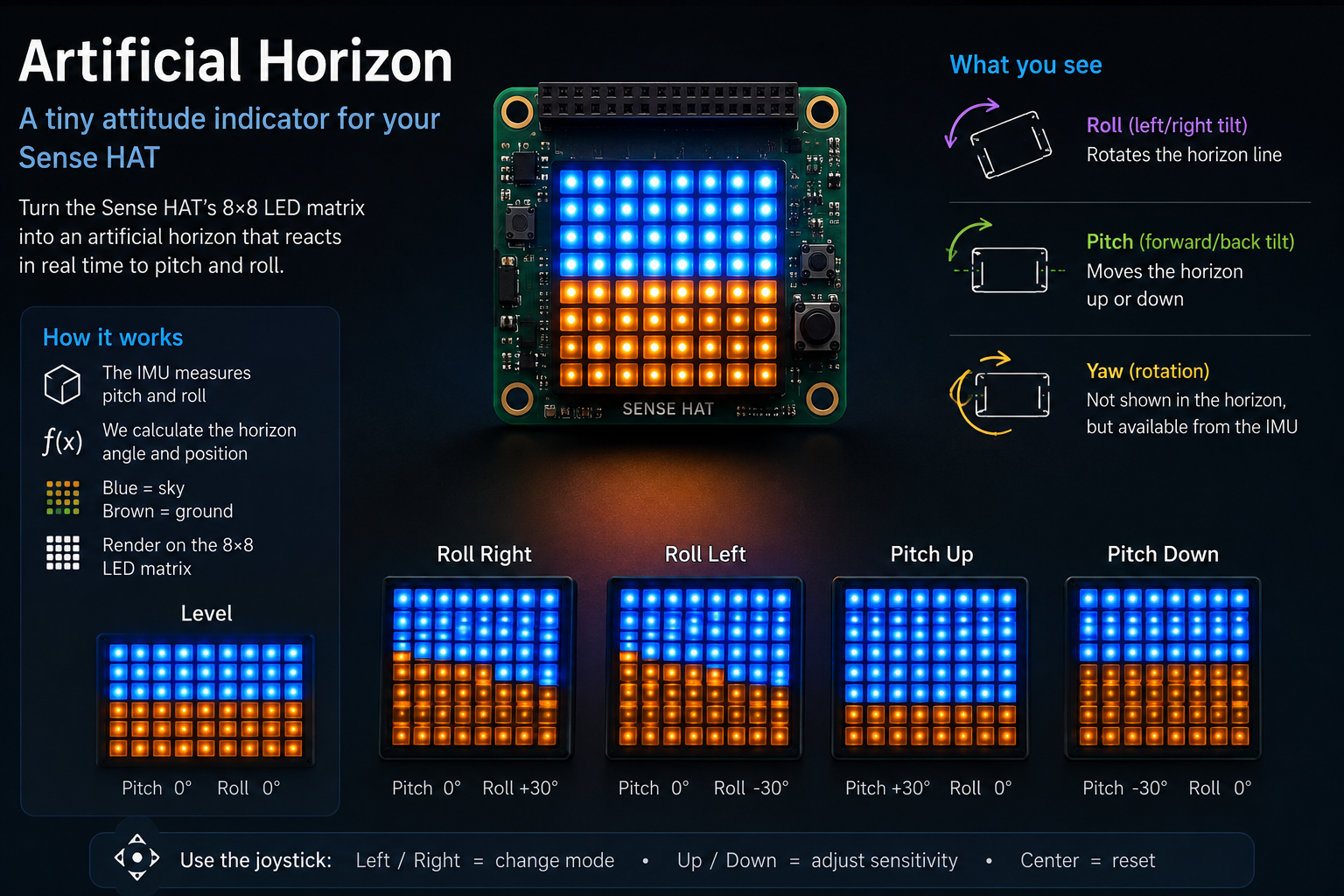
An artificial horizon on the Sense HAT LED matrix
Turn the Sense HAT into a tiny aircraft-style attitude indicator. The IMU reports pitch and roll in real time, and the 8×8 LED matrix draws blue sky above a brown ground with a horizon line that tilts as you tilt the Raspberry Pi.
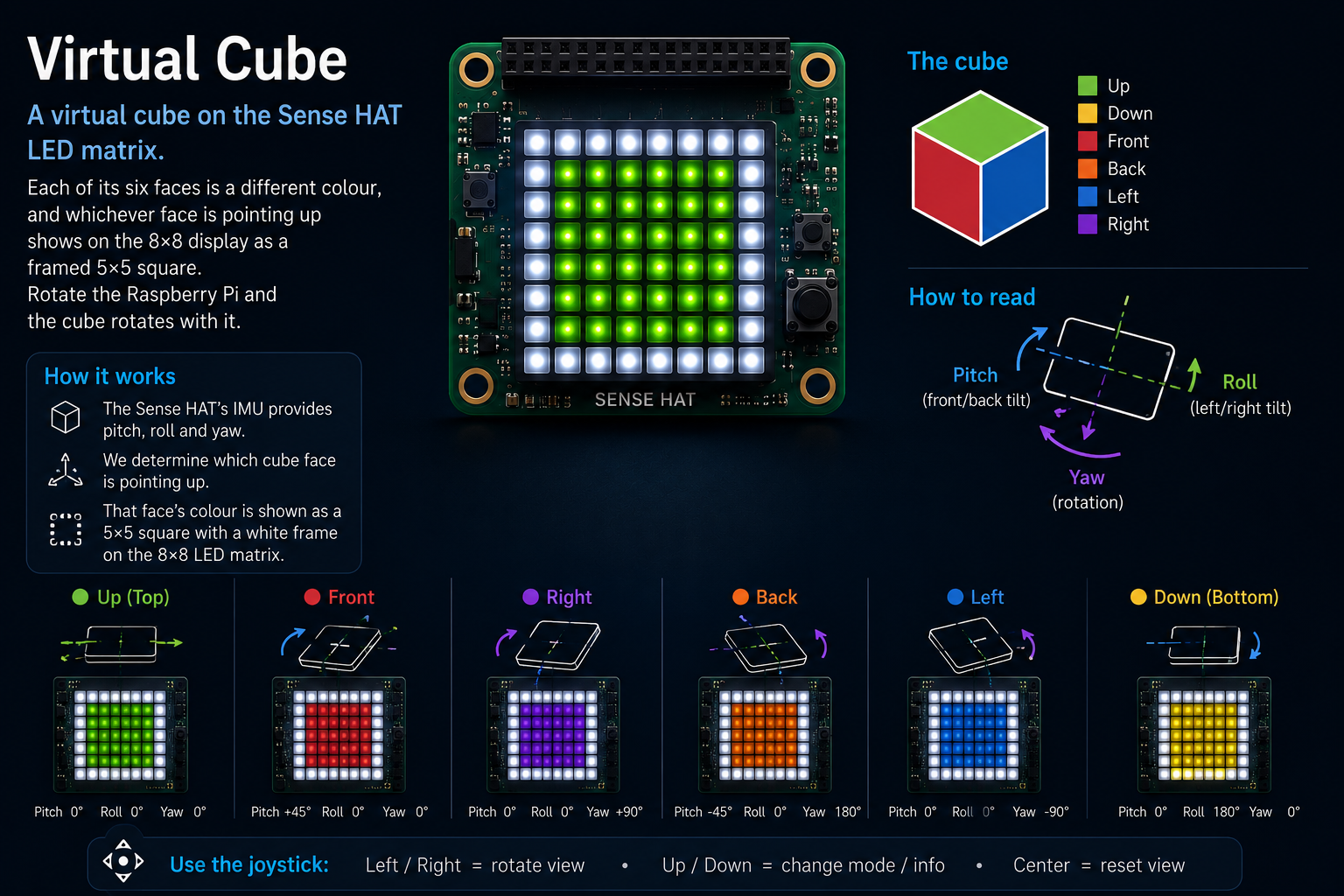
A rotating six-colour cube on the Sense HAT
A virtual cube on the Sense HAT LED matrix. Each of its six faces is a different colour, and whichever face is pointing up shows on the 8×8 display as a framed 5×5 square. Rotate the Raspberry Pi and the cube rotates with it.
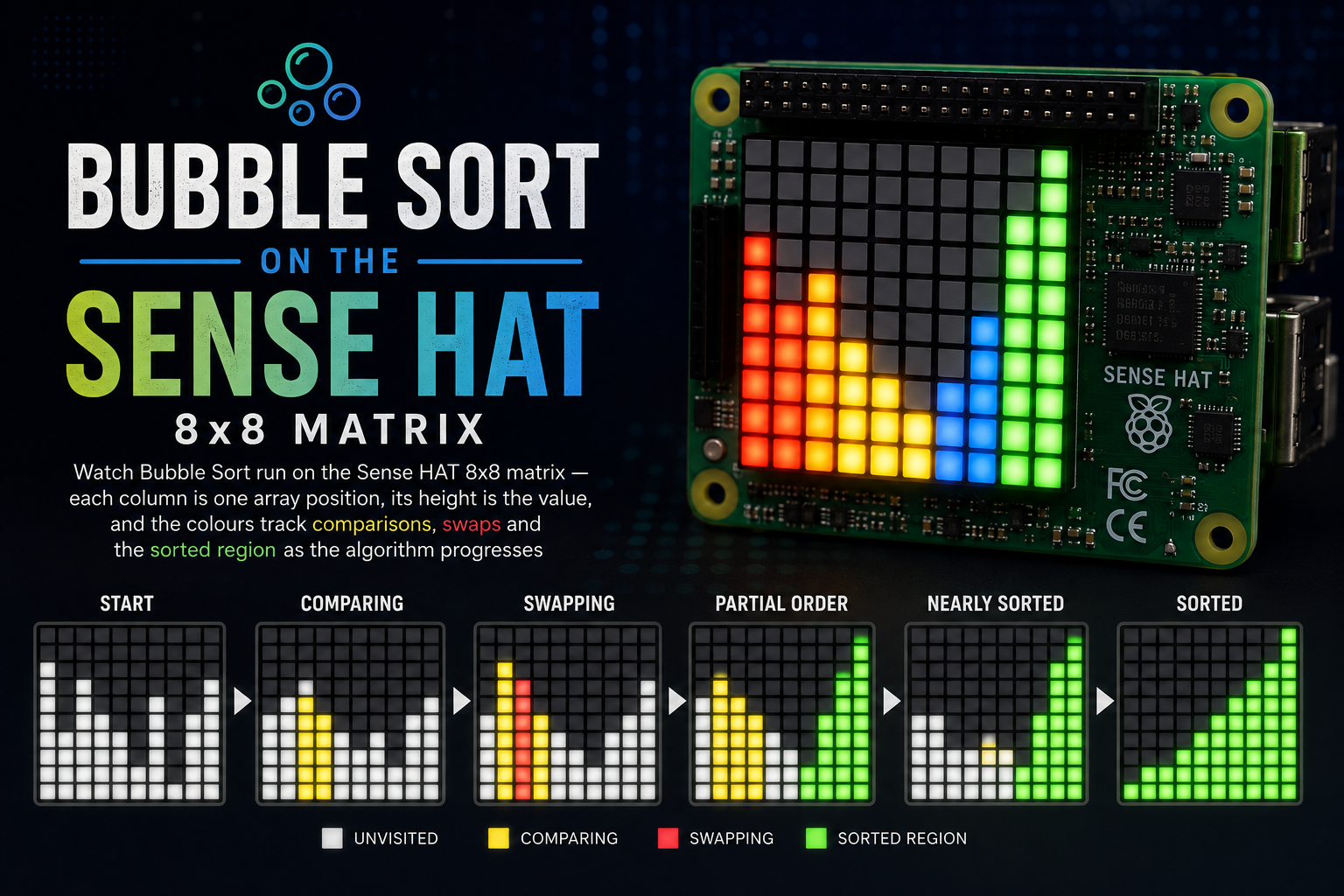
Visualising Bubble Sort on the Sense HAT
Watch Bubble Sort run on the Sense HAT 8x8 matrix — each column is one array position, its height is the value, and the colours track comparisons, swaps and the sorted region as the algorithm progresses.
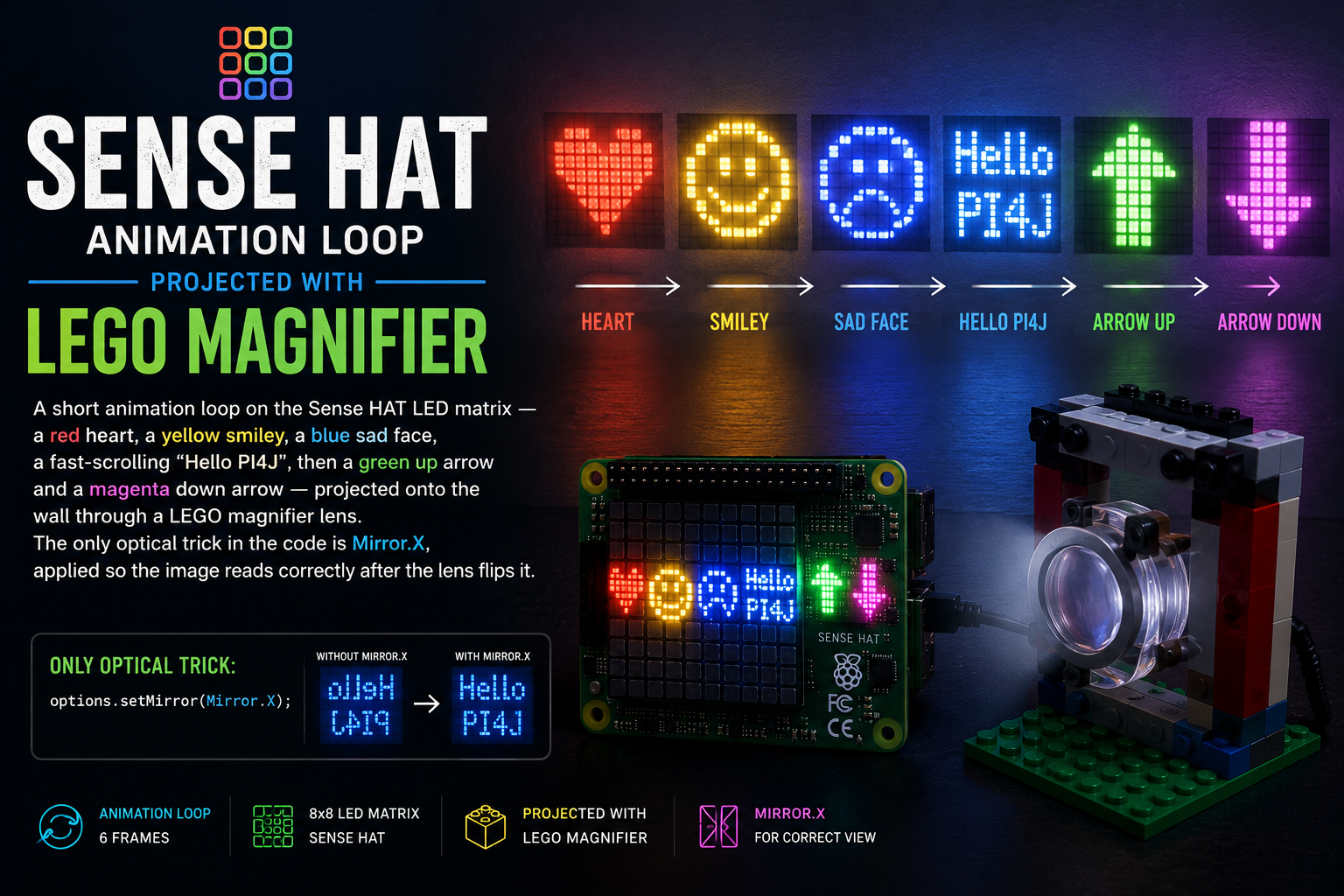
Turning the Sense HAT into a LEGO-lens wall projector
A short animation loop on the Sense HAT LED matrix — a red heart, a yellow smiley, a blue sad face, a fast-scrolling "Hello PI4J", then a green up arrow and a magenta down arrow — projected onto the wall through a LEGO magnifier lens. The only optical trick in the code is Mirror.X, applied so the image reads correctly after the lens flips it.
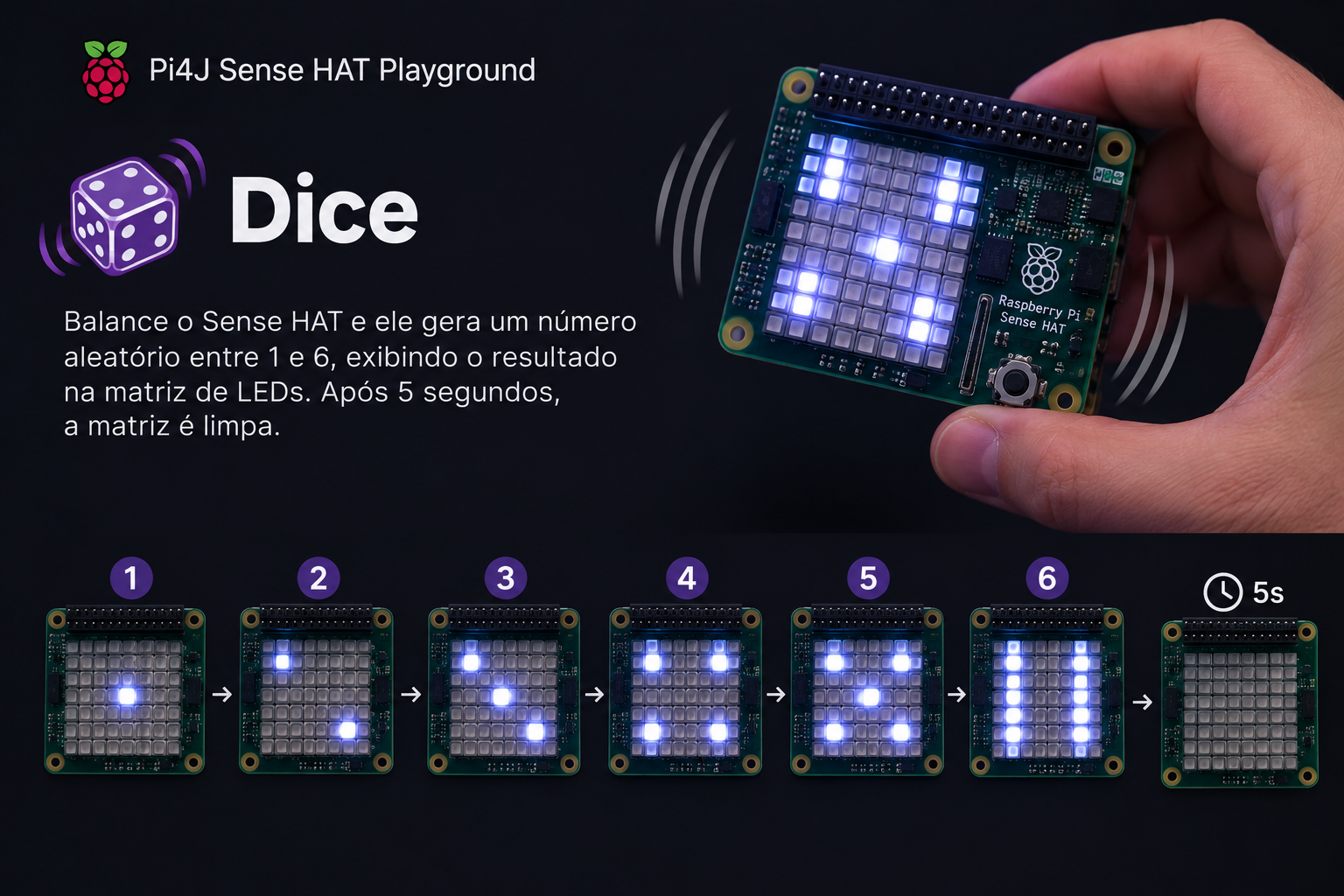
Shake-to-roll dice on the Sense HAT
Shake the Sense HAT to roll a virtual dice — the accelerometer detects the motion, a random 1–6 is drawn as pips on the 8×8 matrix, and the face clears after 5 seconds.
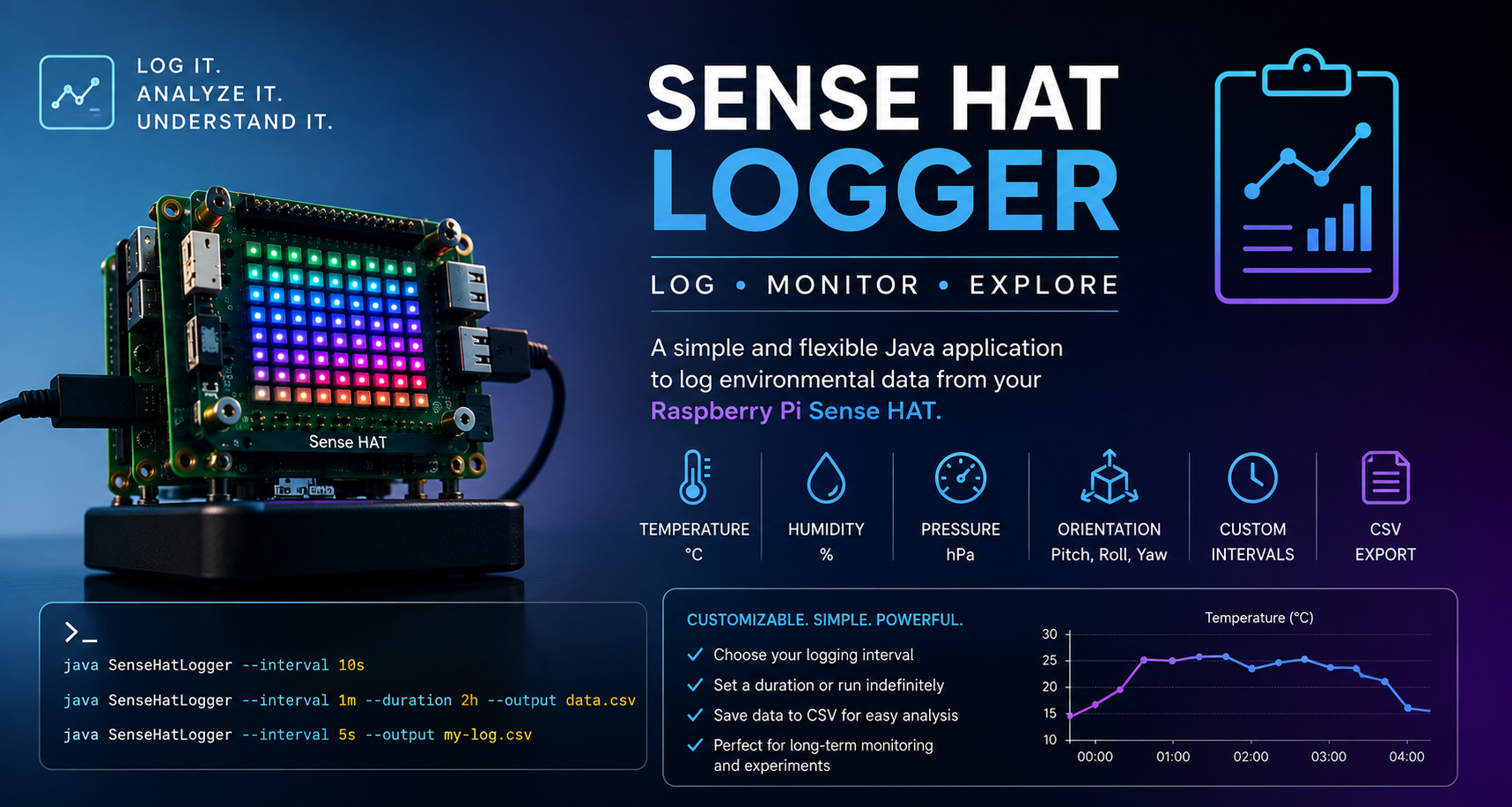
A generic sensor logger for the Sense HAT
A configurable long-running logger that samples every Sense HAT sensor on a fixed interval and writes CSV to a file — with --label, --interval, --duration and --output flags.
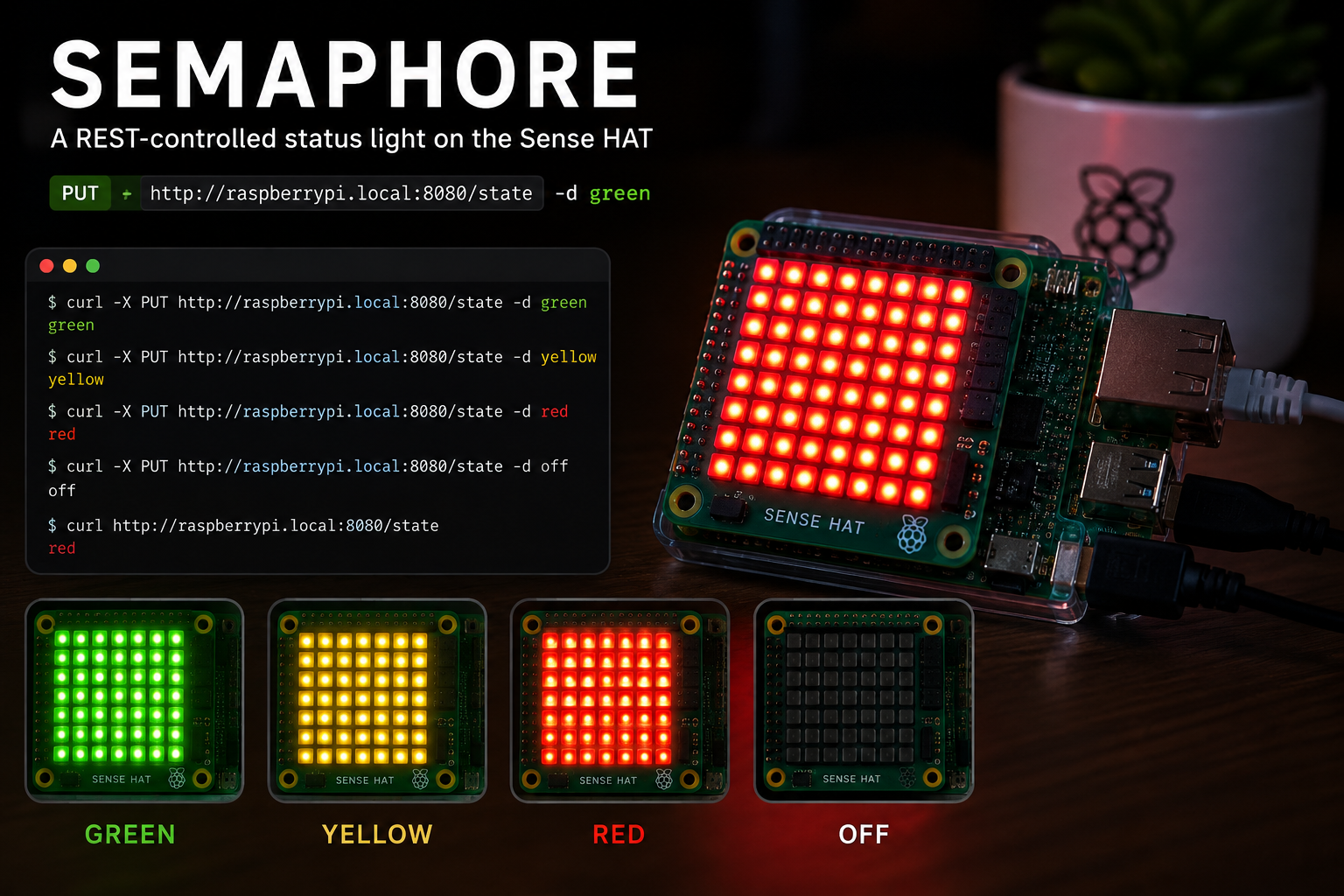
A REST-controlled status light on the Sense HAT
A tiny embedded HTTP server that turns the Sense HAT 8x8 matrix into a red/yellow/green status light — flip it with a single curl call.
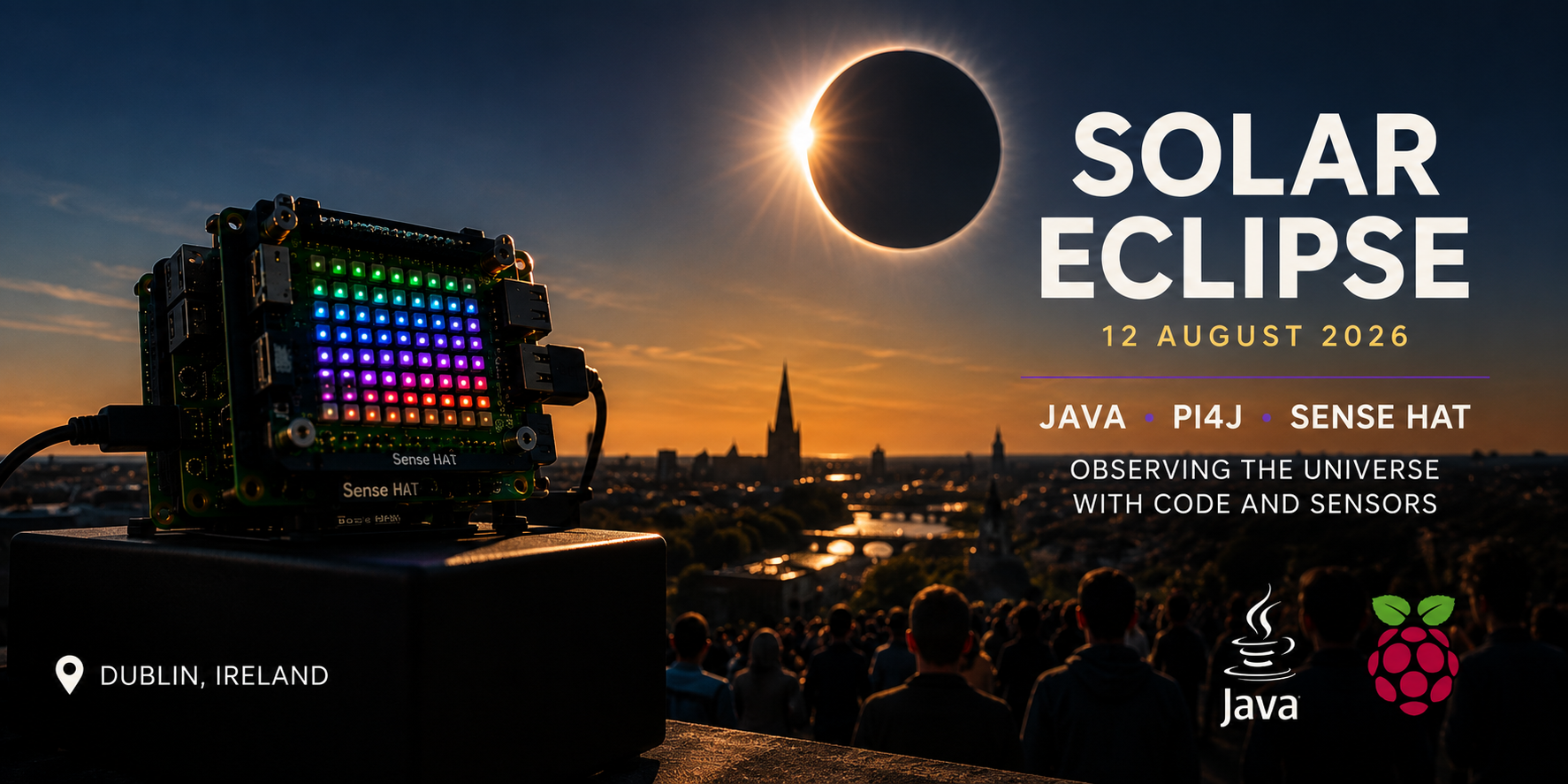
Logging a solar eclipse with the Sense HAT
Log light, temperature, humidity and pressure once per second during a solar eclipse, show a live light meter on the LED matrix, and tag C1–C4 contacts with the joystick.
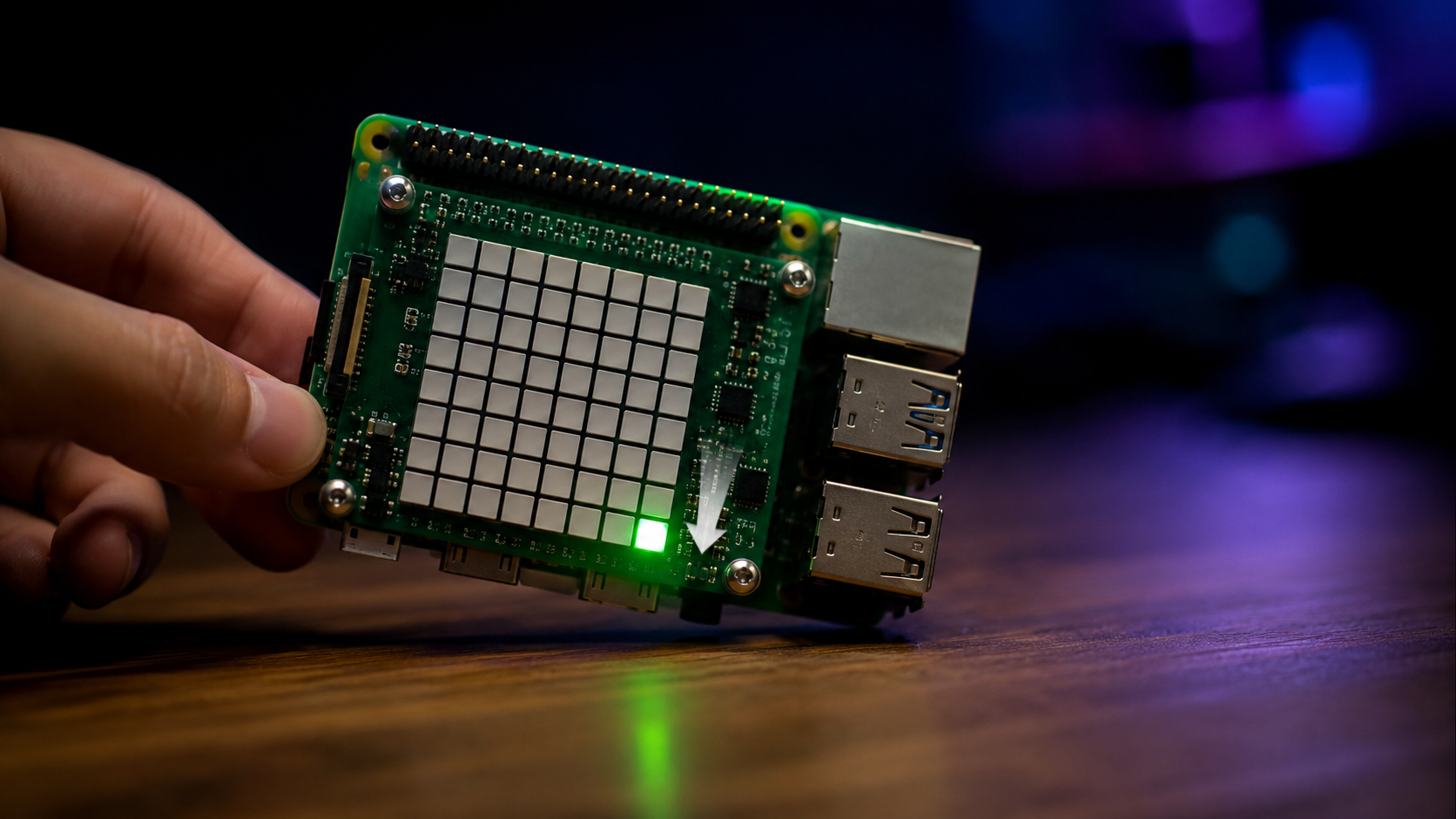
Tilt-controlled pixel with the Sense HAT accelerometer
Read raw accelerometer values from the Sense HAT and move a pixel on the LED matrix by tilting the Raspberry Pi.
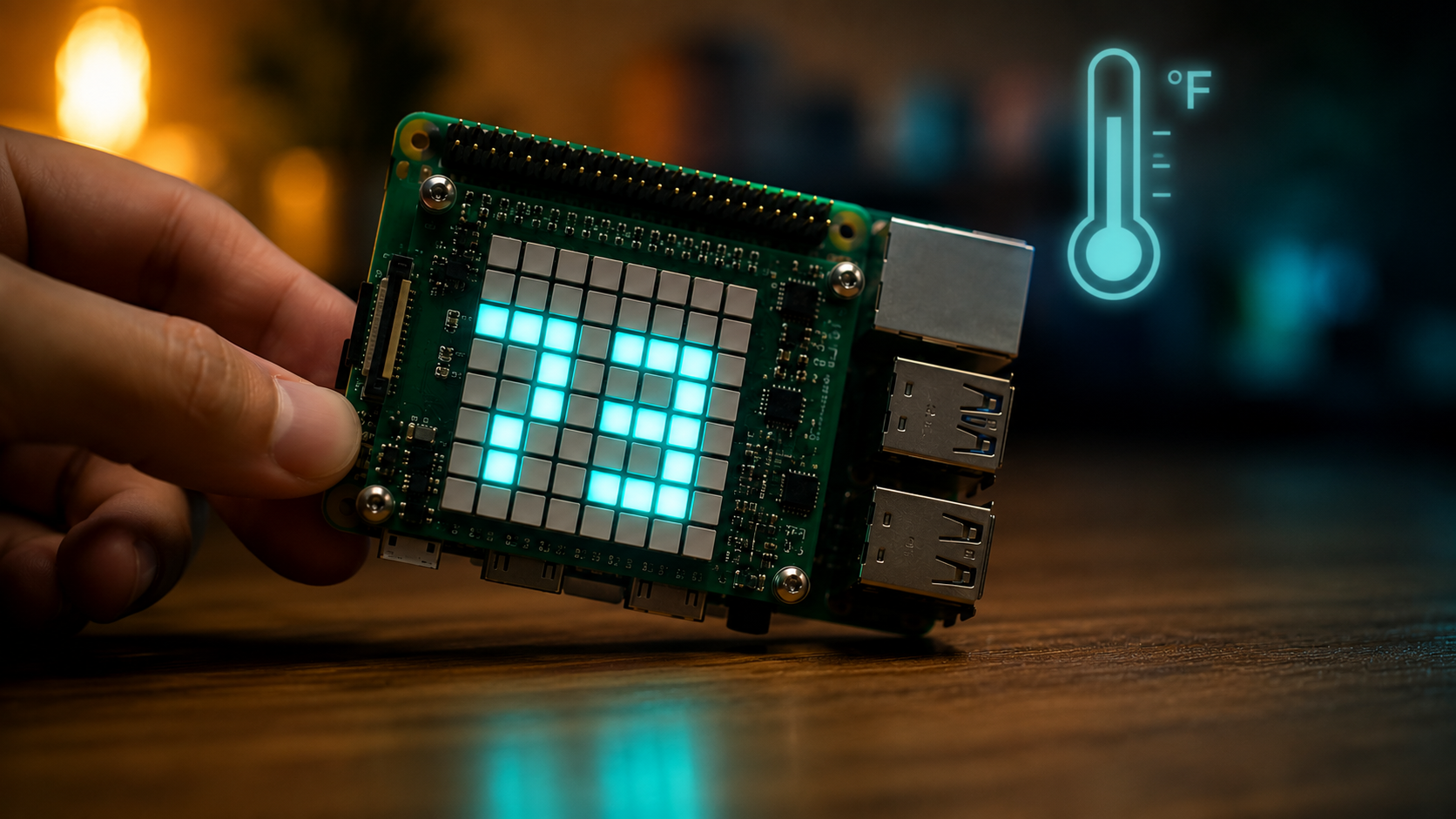
Approximating ambient temperature on the Sense HAT
Combine the humidity and pressure sensor temperature readings and apply a calibration offset to get a better ambient temperature estimate on the Sense HAT.
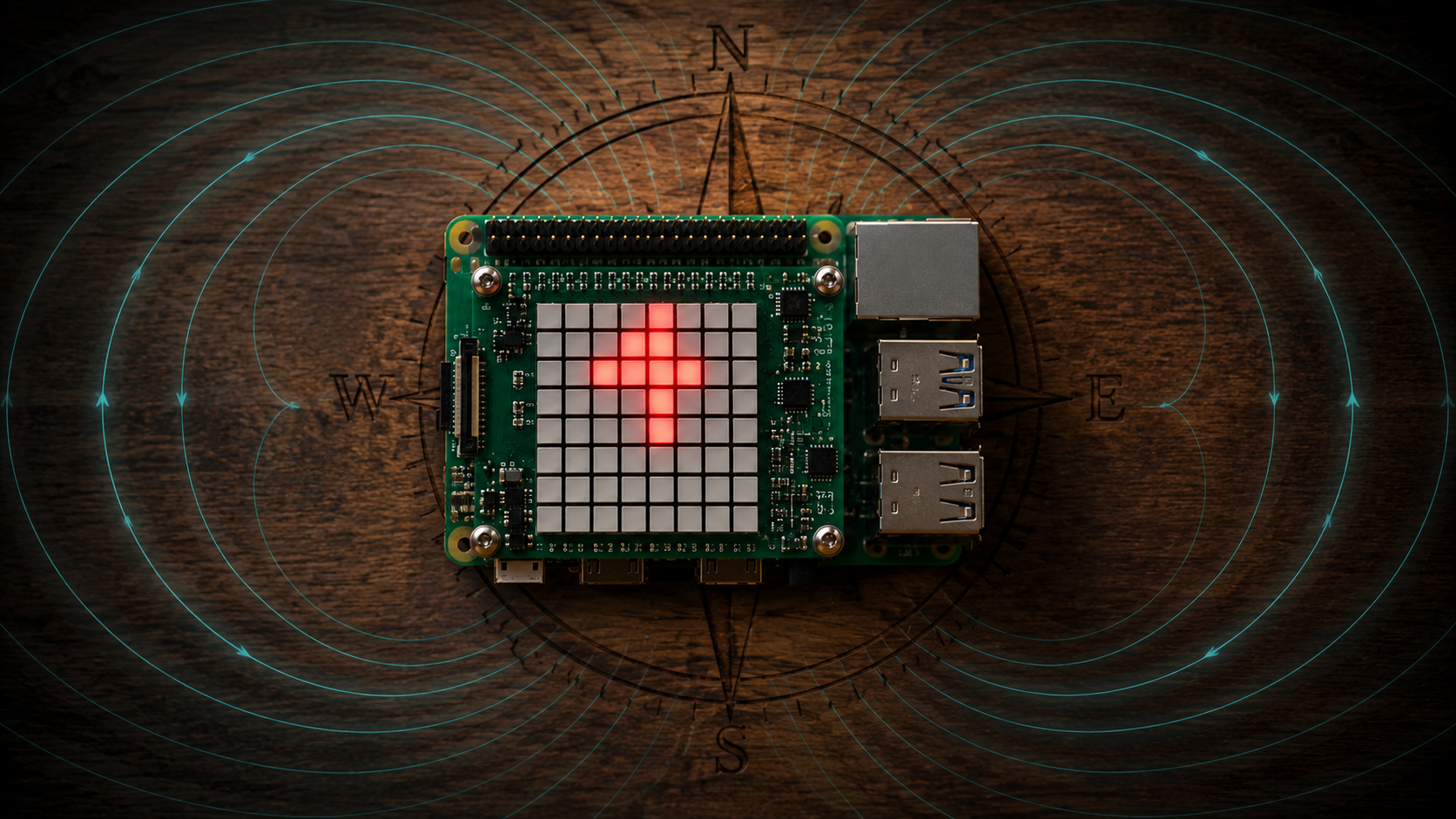
A pointing-north compass on the Sense HAT
Use the Sense HAT magnetometer to draw an arrow on the LED matrix that always points toward magnetic north.
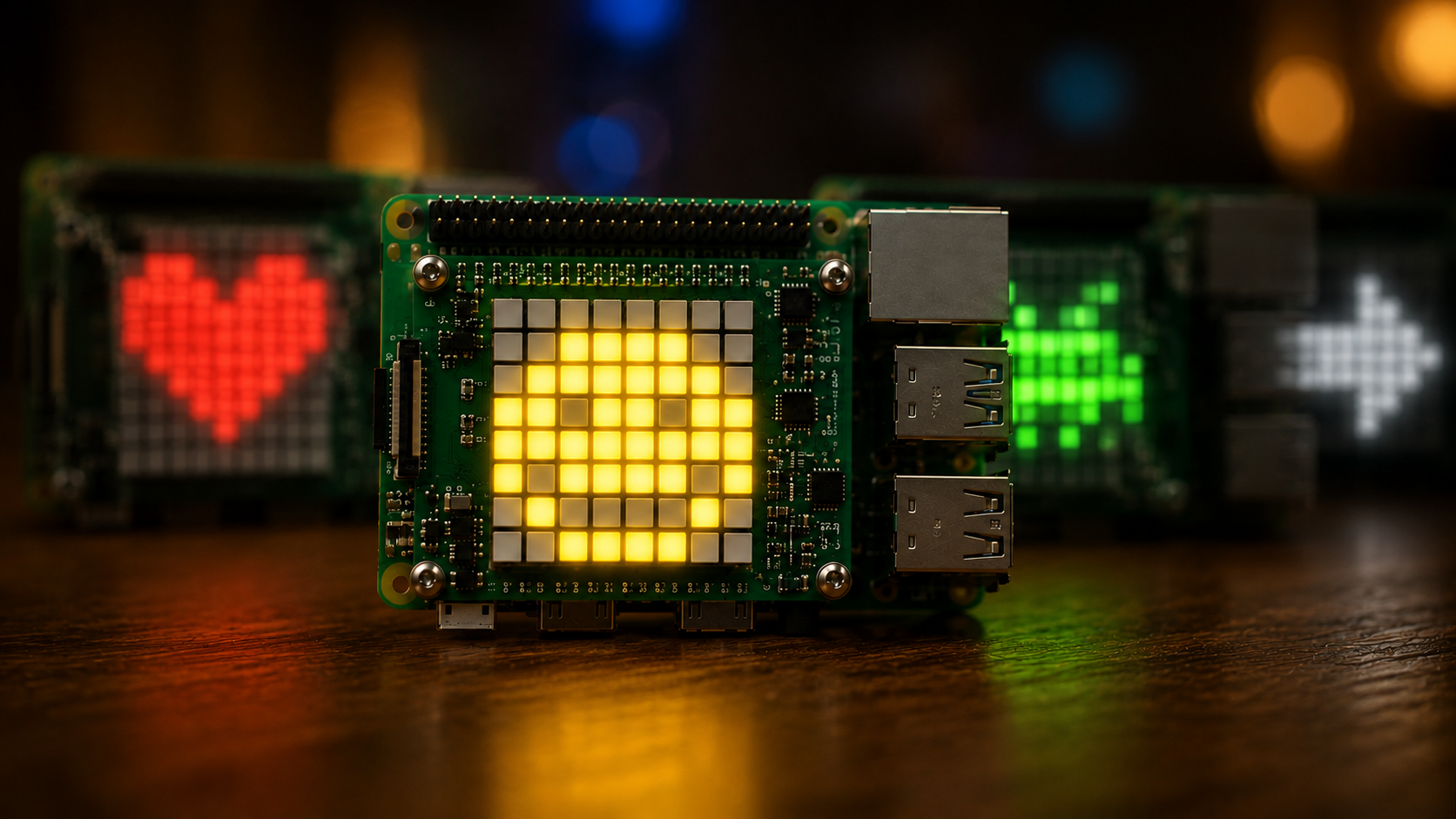
An emoji slideshow on the Sense HAT
Cycle through a set of 8x8 pixel-art icons (smiley, heart, skull, space invader, arrow) on the Sense HAT LED matrix using Pi4J.
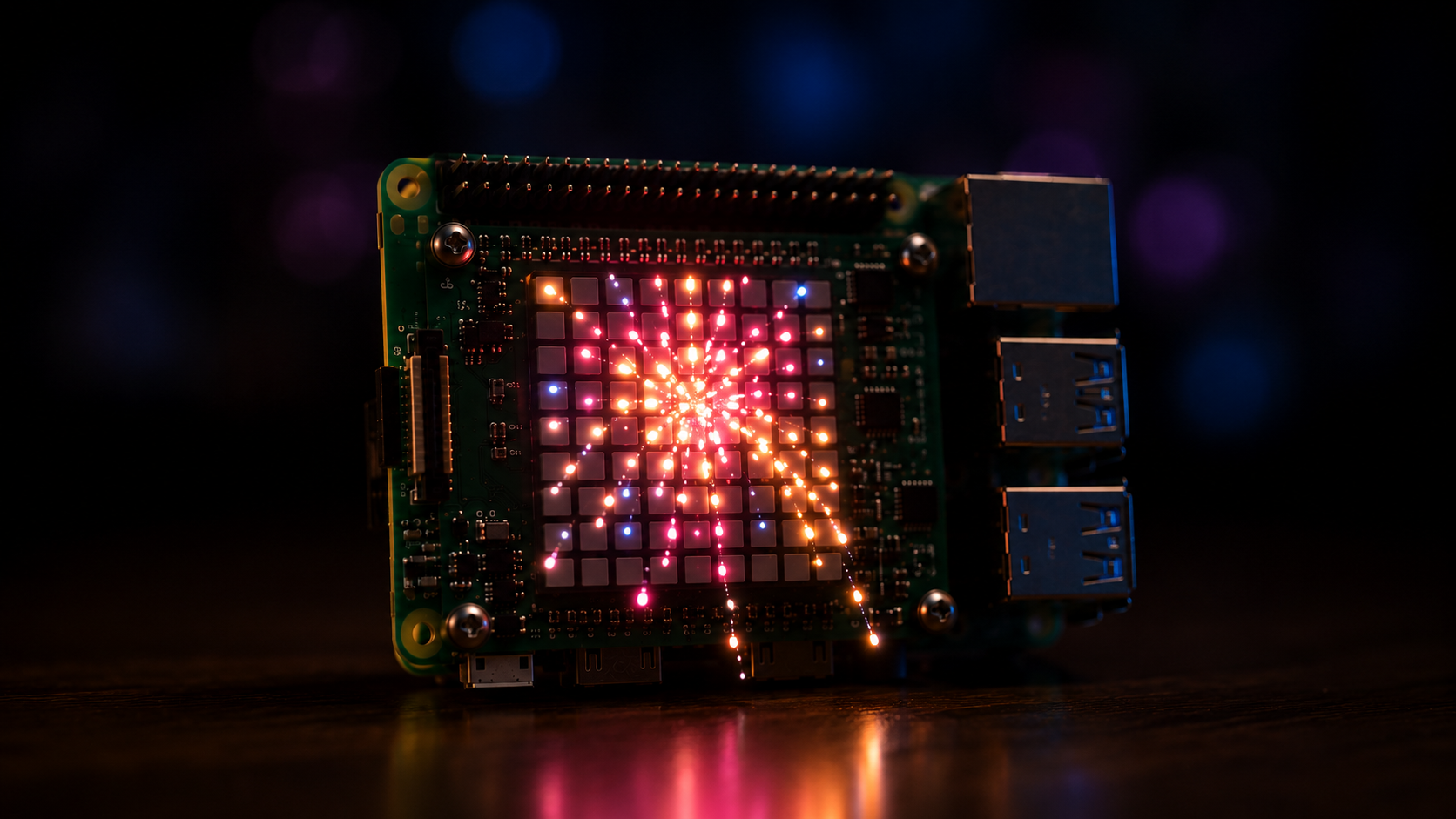
Particle Fireworks on the Sense HAT
A physics-based fireworks simulation for the Raspberry Pi Sense HAT 8x8 LED matrix using Pi4J, with individual particles, gravity and color fade.
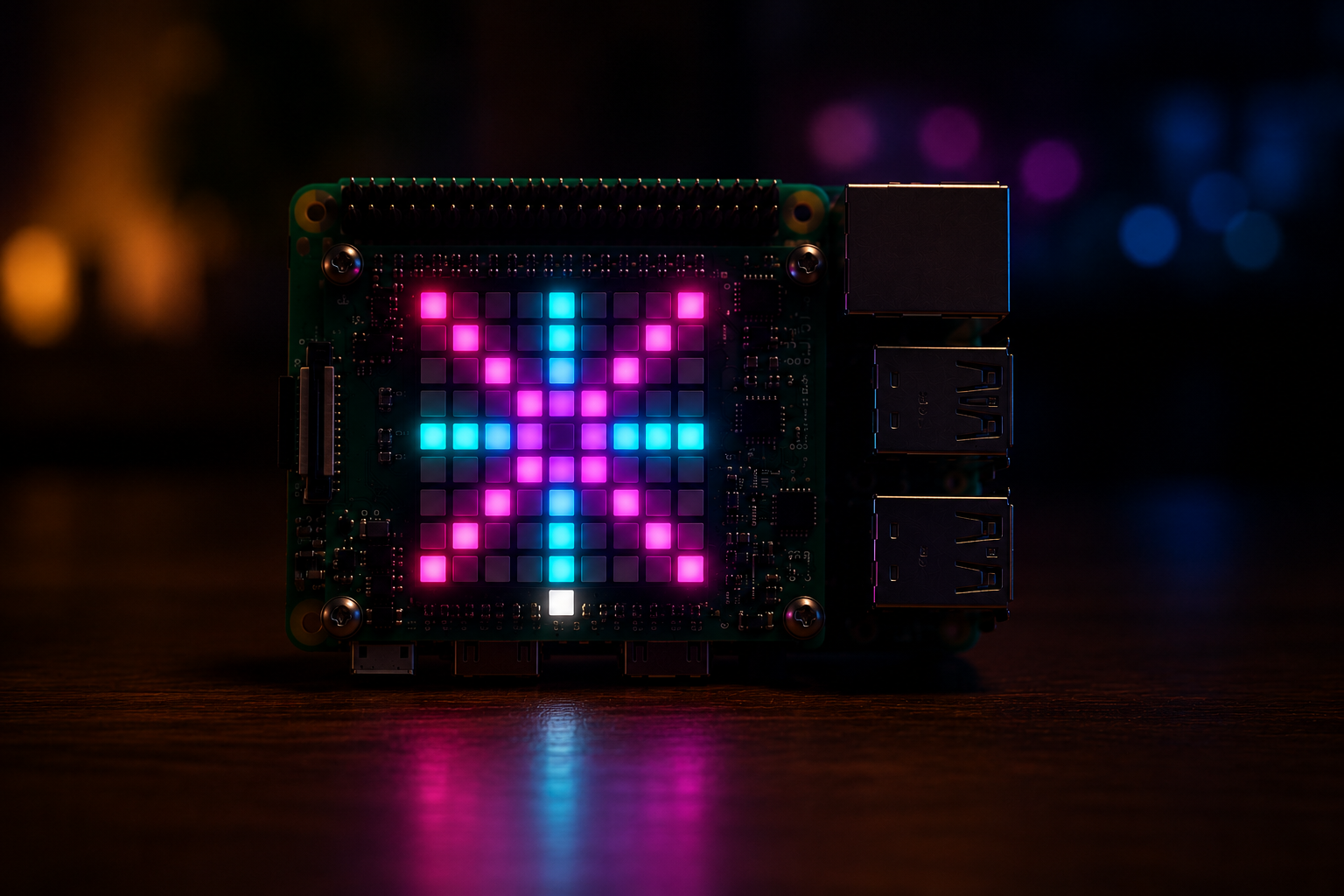
Classic Fireworks on the Sense HAT
A small Java program that simulates fireworks on the Raspberry Pi Sense HAT 8x8 LED matrix using Pi4J and a simple geometric pattern.
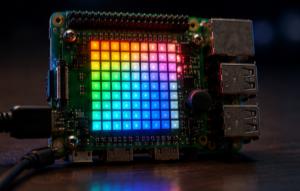
Full Sense HAT demo with Pi4J
A single script that exercises every major feature of the Sense HAT via Pi4J — LED matrix, sensors, IMU, joystick, colour sensor and more.
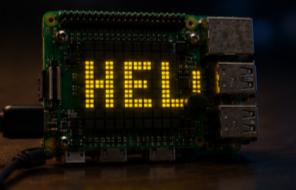
Hello from Pi4J on the Sense HAT
The simplest possible Pi4J + Sense HAT script — scrolls a "Hello from PI4J!" message on the 8x8 LED matrix.
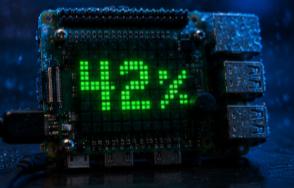
Reading humidity on the Sense HAT
Read the relative humidity from the Sense HAT HTS221 sensor and display it as a scrolling message on the LED matrix.
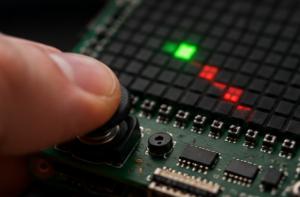
Moving a pixel with the Sense HAT joystick
Read the Sense HAT joystick events with Pi4J and move a pixel on the LED matrix, with press-and-hold movement and a color toggle on the center button.
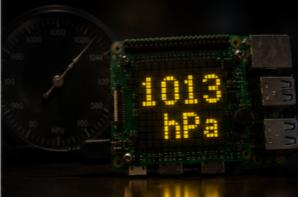
Reading barometric pressure on the Sense HAT
Read atmospheric pressure from the Sense HAT LPS25H sensor and scroll the value on the LED matrix.
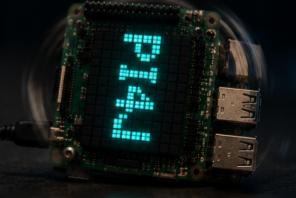
Scrolling and rotating text on the Sense HAT
Scroll a message on the Sense HAT LED matrix in both directions and cycle through the four rotations of the display.
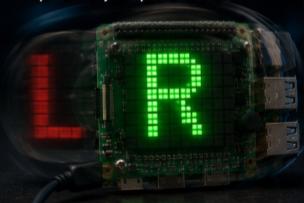
Detecting rotation with the Sense HAT gyroscope
Use the Sense HAT gyroscope to detect the direction of rotation and show L / R on the LED matrix.