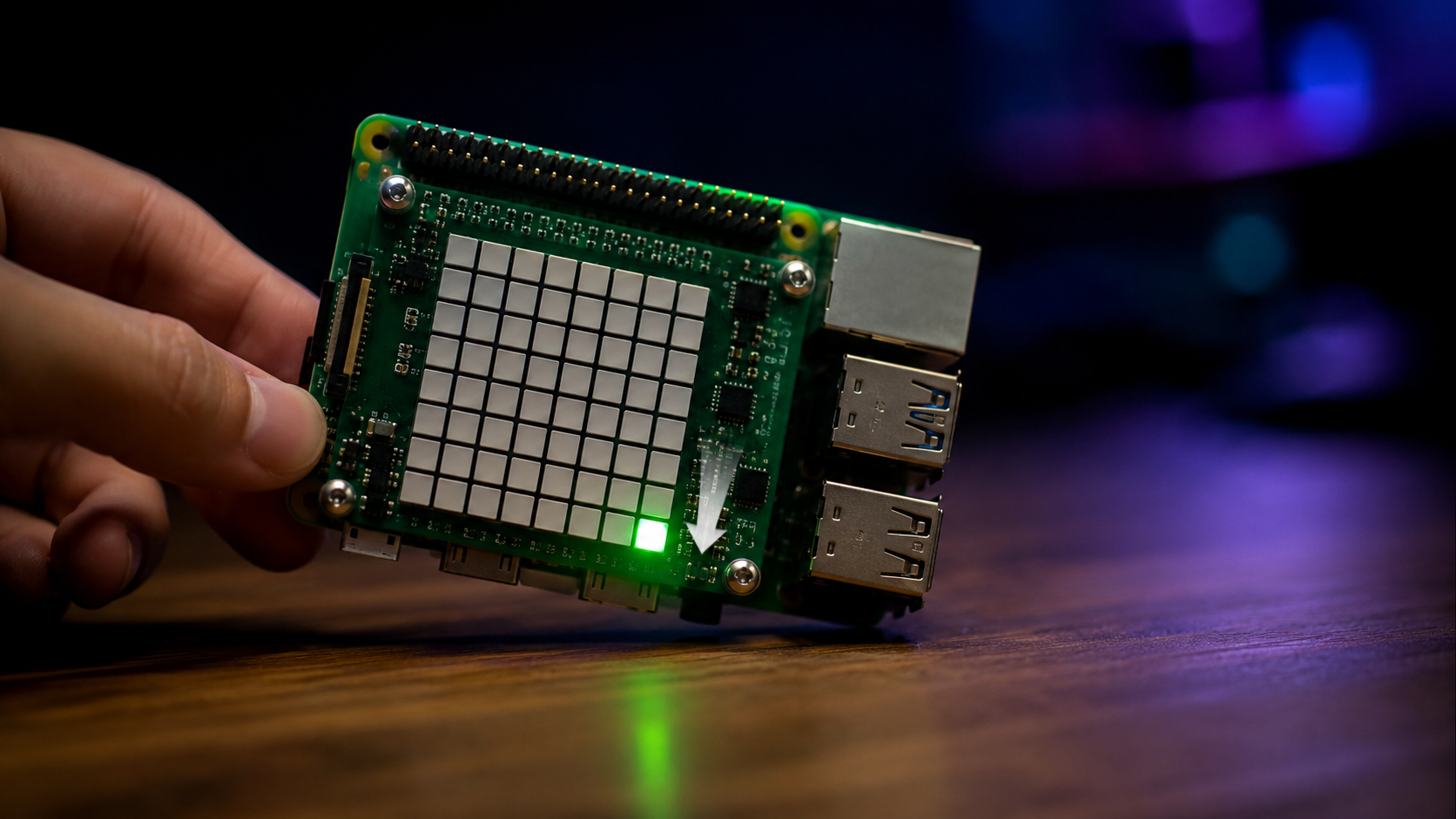
Tilt-controlled pixel with the Sense HAT accelerometer
Read raw accelerometer values from the Sense HAT and move a pixel on the LED matrix by tilting the Raspberry Pi.
Accelerometer uses the Sense HAT's IMU (inertial measurement unit) to move a green pixel around the 8×8 LED matrix. Tilt the Raspberry Pi and the pixel drifts in that direction — a bit like an analog level.
Source code: projects/Accelerometer/Accelerometer.java
How it works
The Sense HAT ships with an LSM9DS1 9-axis IMU. hat.getAccelerometerRaw() returns a double[] with the acceleration values in m/s² along the X, Y and Z axes. When the board is at rest, gravity dominates the reading — tilting the board redistributes it between axes.
Every iteration of the main loop:
- Reads the accelerometer values.
- Compares
xAccelandyAccelagainst a small dead-zone (0.2) so tiny vibrations don't move the pixel. - If the tilt is large enough, updates the pixel position using
Math.floorMod— the pixel wraps around from one edge to the opposite one. - Redraws the pixel in green and sleeps 200 ms.
For a version that uses the gyroscope instead of the accelerometer, see the Spin example.
Running it
This script depends on a specific branch of pi4j-drivers (my igfasouza branch), so clone and install it locally first:
git clone -b igfasouza https://github.com/igfasouza/pi4j-drivers.git
cd pi4j-drivers
mvn install
Then run it with JBang on a Raspberry Pi with a Sense HAT attached:
jbang projects/Accelerometer/Accelerometer.java